Web App
Building a Scalable Design System
Timeline
Team: UX Designer, Project Manager
Role: UX Designer
Duration: 4 months
Tools Utilized: Figma
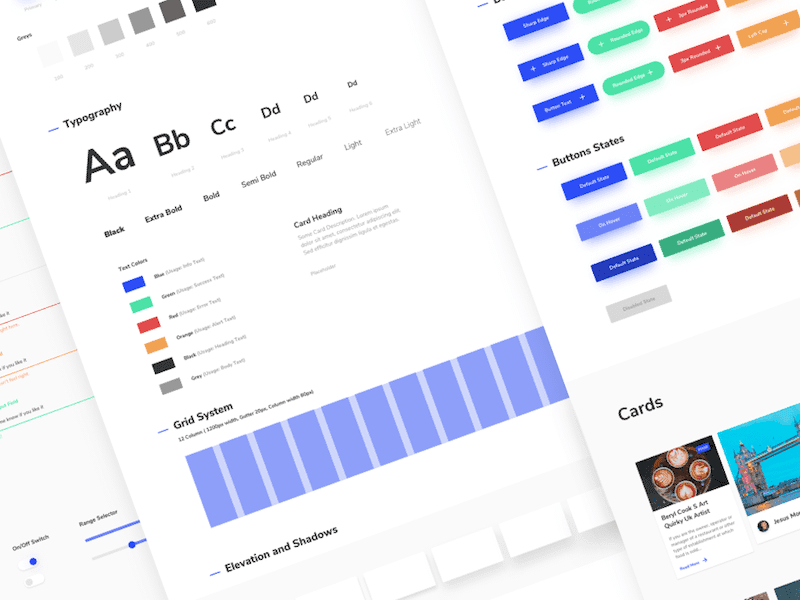
A design system is a collection of reusable components, guided by clear standards, that can be assembled to build consistent and accessible digital experiences.
Why it matters:
Ensures consistency across platforms.
Increases efficiency for designers and developers.
Promotes accessibility and inclusivity.
Challenges Addressed
Before the design system:
Inconsistent UI across projects.
Slow design and development cycles.
Accessibility overlooked in designs.
How the design system helped:
Standardized UI components and guidelines.
Faster prototyping and development.
Built-in accessibility compliance.


Process and Approach
Step 1: Research and Feedback
Collected insights from design and development teams.
Step 2: Design Audit
Evaluated existing components and identified gaps.
Step 3: Define Principles
Established core principles: Consistency, Accessibility, Scalability.
Step 4: Component Creation and Testing
Designed, prototyped, and tested reusable components.
Step 5: Documentation and Rollout
Created clear, accessible documentation for adoption.
Key Components
Visual Elements:
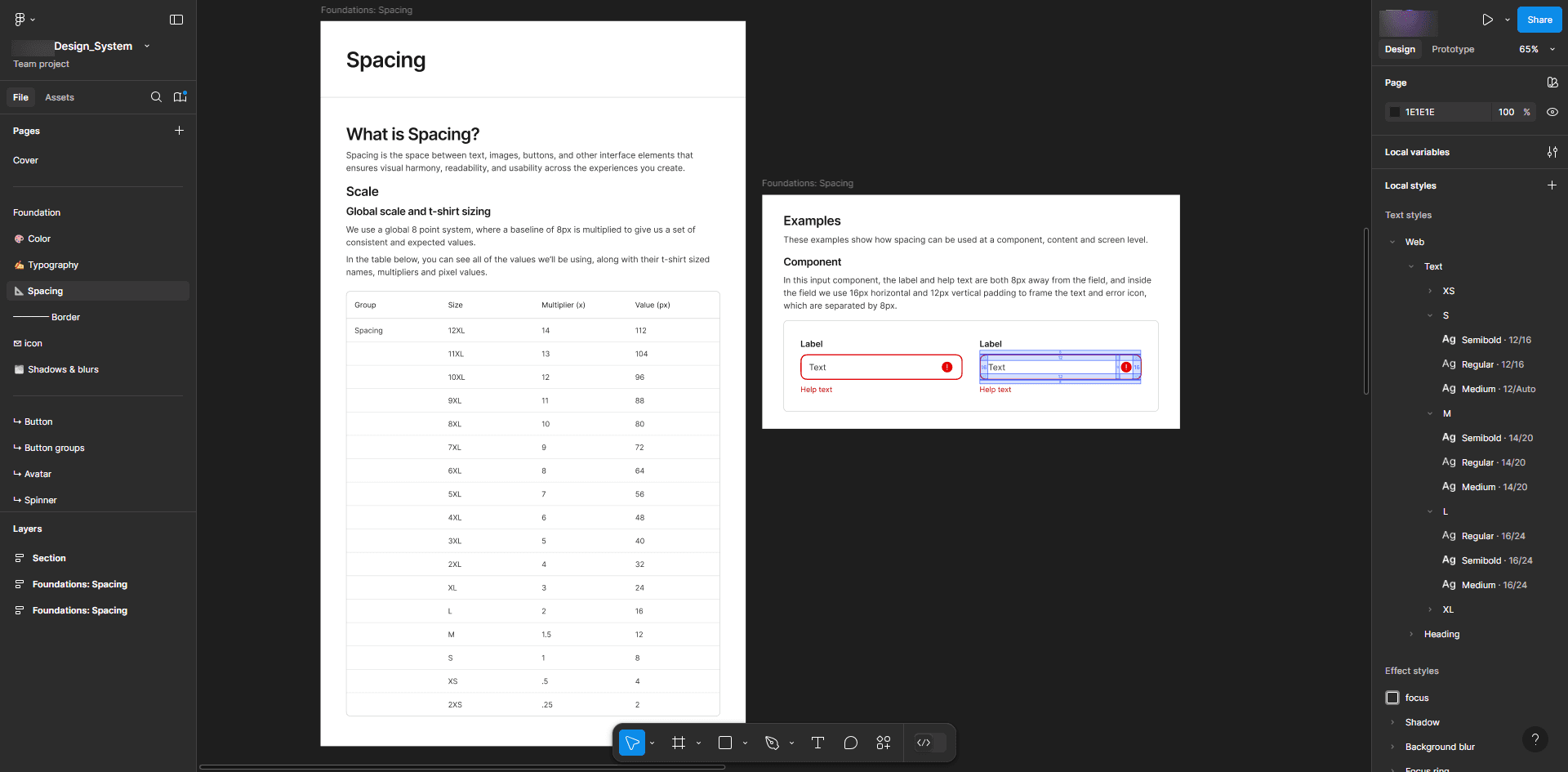
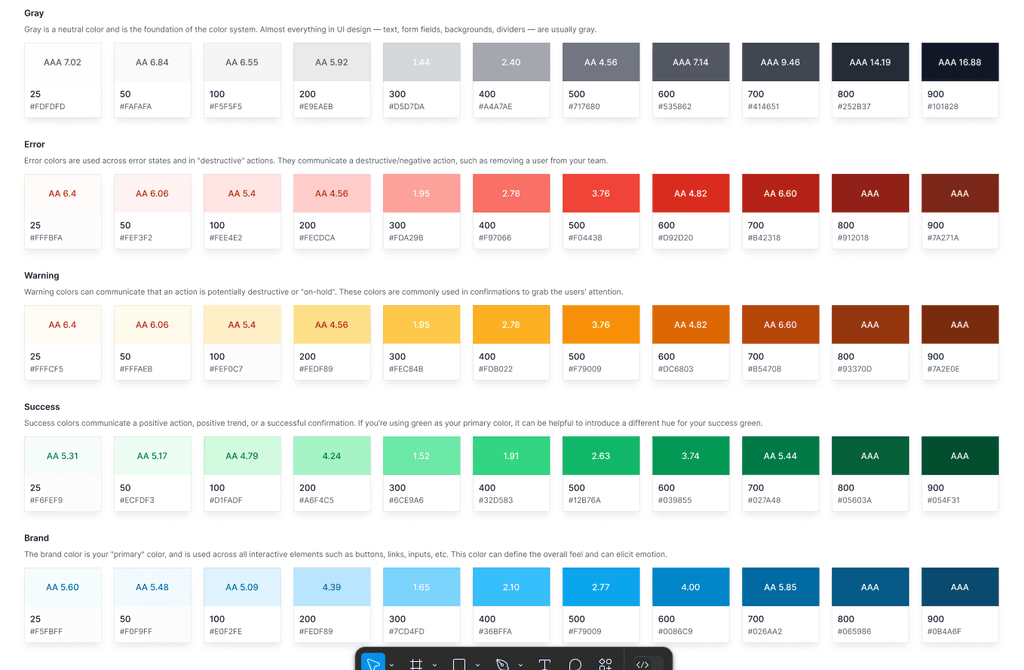
Color Palette: Primary, secondary, and neutral tones with accessibility compliance.
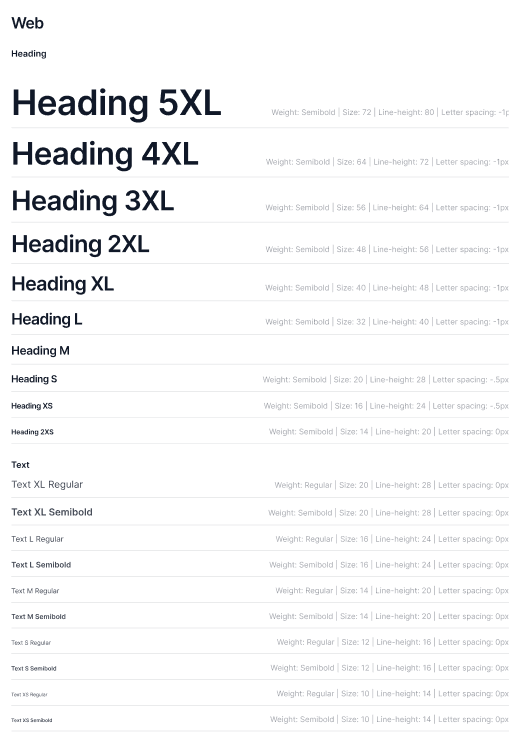
Typography: Scalable font sizes for readability.
Functional Components:
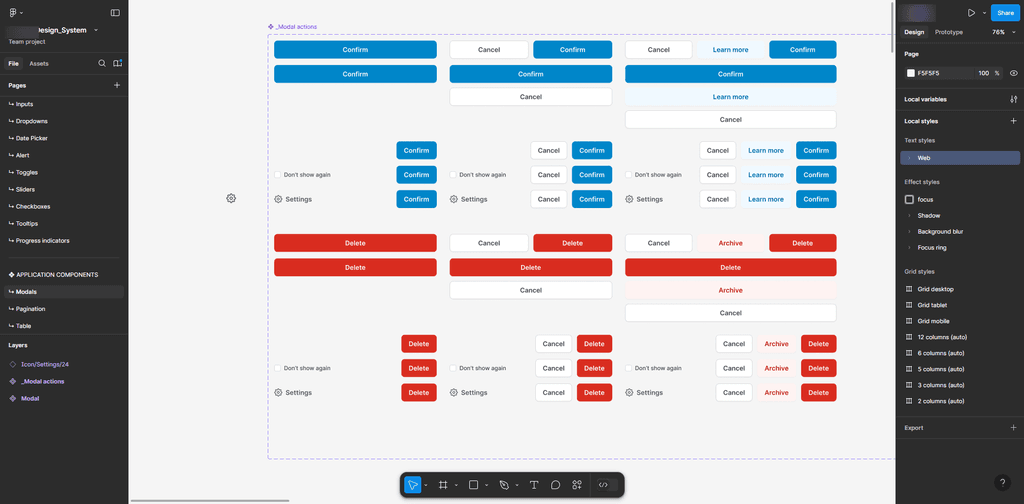
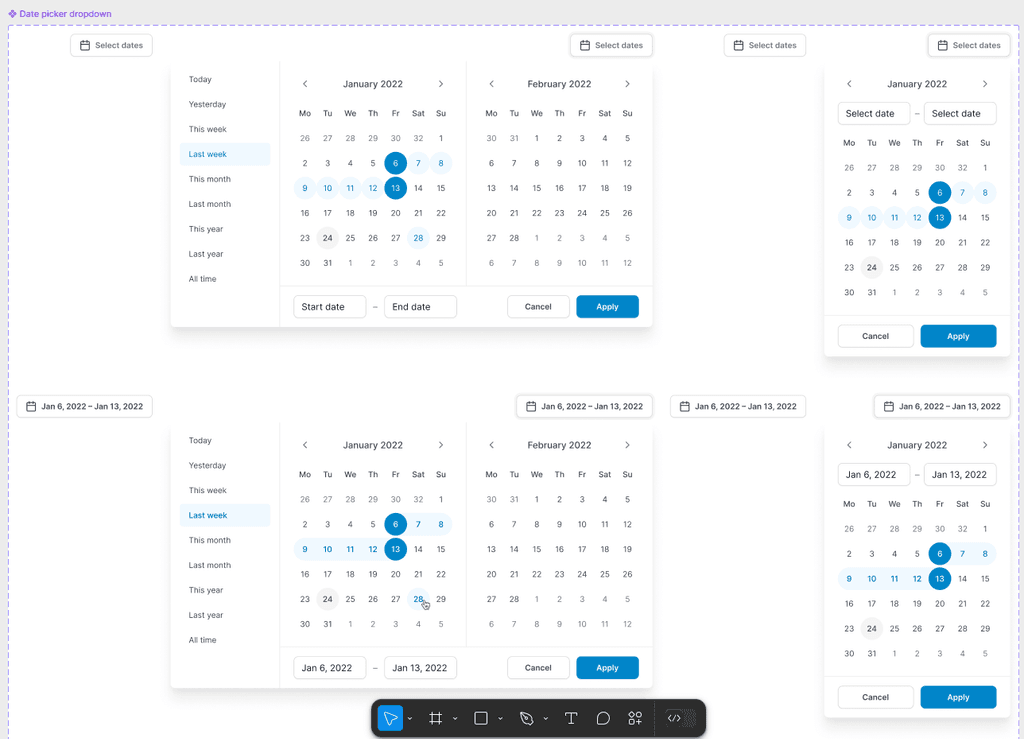
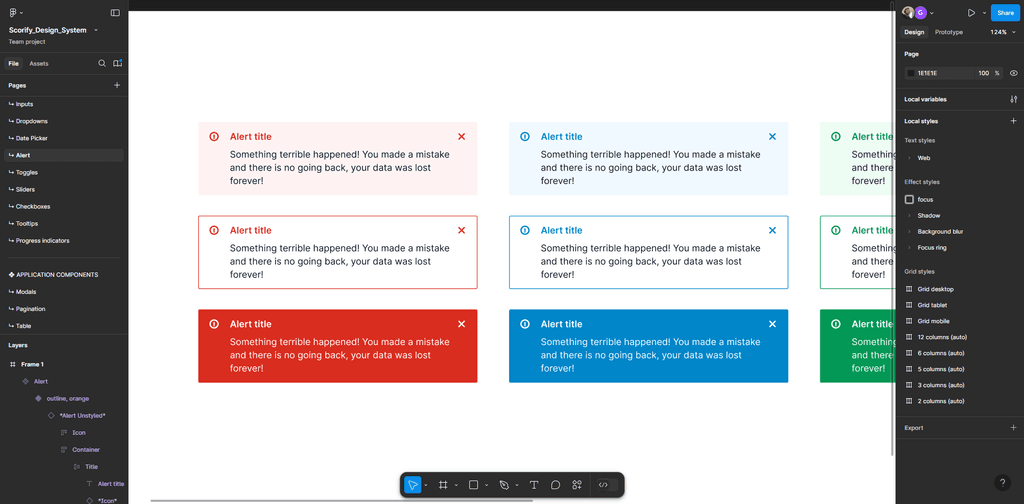
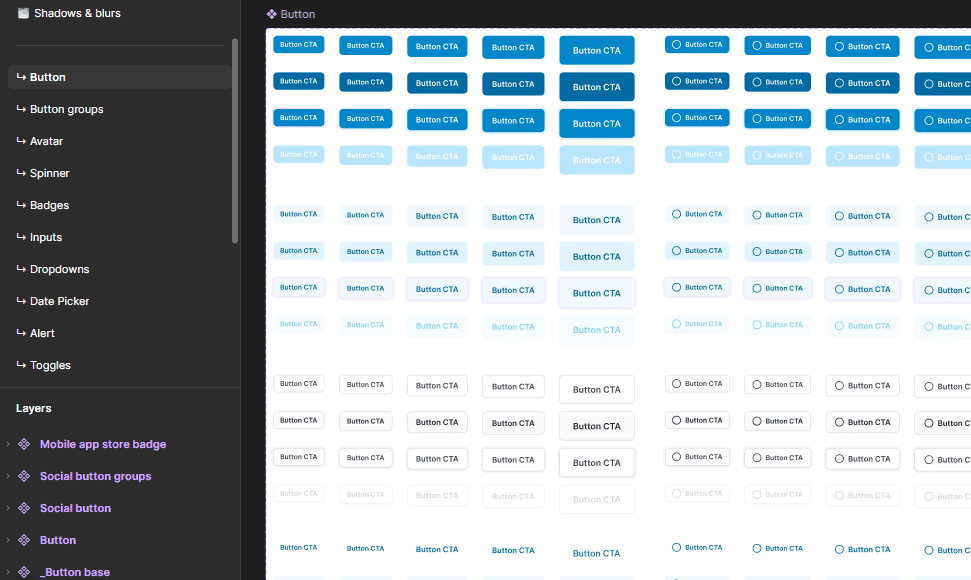
Buttons, forms, modals, navigation bars, and tooltips.
Implementation Strategy
Collaboration:
Engaged designers, developers, and stakeholders early in the process.
Incremental Updates:
Gradual implementation in ongoing projects to ensure smooth adoption.
Tools Used:
Figma for design and collaboration.
Storybook for interactive component libraries.
Impact and Outcomes
Quantifiable Results:
30% reduction in design inconsistencies.
40% faster time-to-market for digital products.
Improved accessibility compliance across projects.
Qualitative Feedback:
"The design system streamlined our workflow and saved hours of effort." – Team Member
Lessons Learned
Key Takeaways:
Collaboration is critical for success.
Adoption requires clear communication and training.
Accessibility is best incorporated at the start, not as an afterthought.
Future Goals:
Expand the system to include animations and advanced interactions.
Ganesh Thorat